SkillKeeper vs the built-in /skill-doctor command
On this page
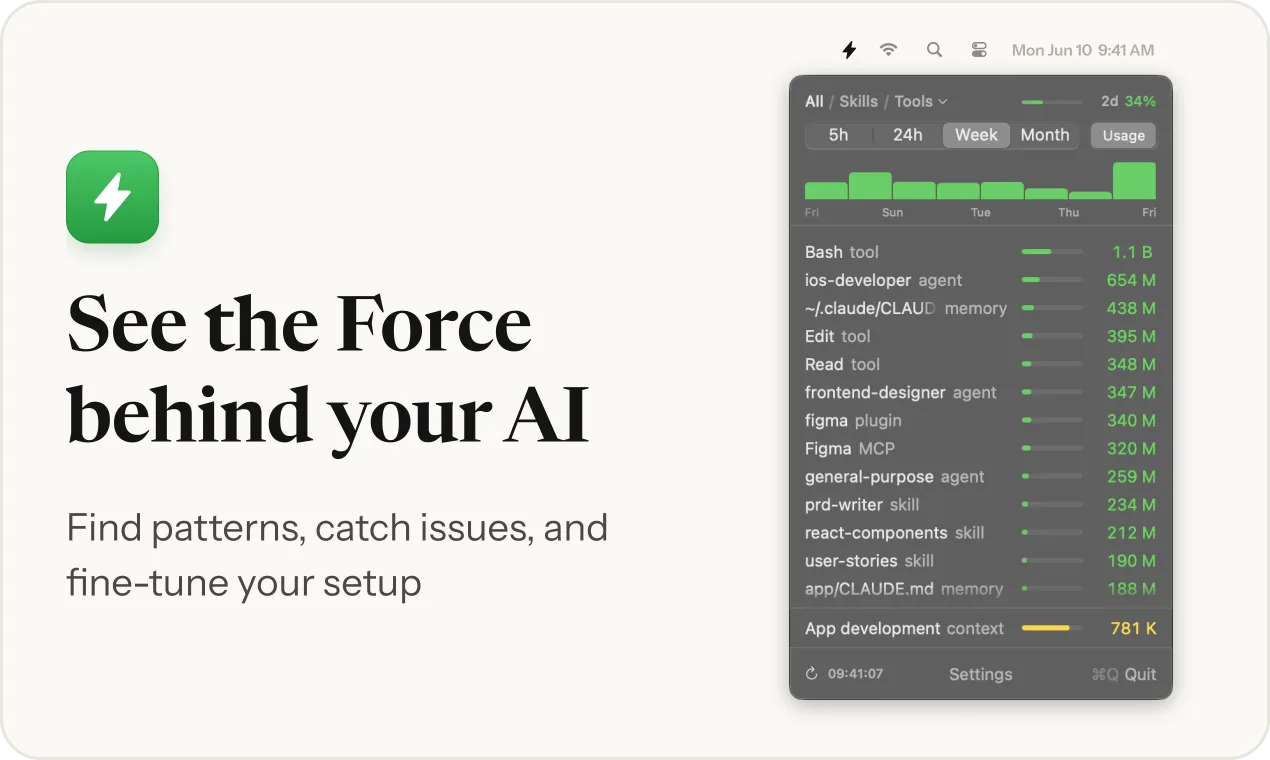
If you want a one-off cleanup pass over your skills, /skill-doctor is enough and it is free. A separate monitor is worth adding when you want usage as it happens, every source and not only skills, and a way to fix what you find in the same place.
We make SkillKeeper. What follows about /skill-doctor is from the Claude Code docs, checked on 2026-11-22.
What /skill-doctor shows
- What each of your skills costs and how often it gets used, so you can decide which ones to turn off. Bundled and enterprise skills are left out.
- Skills that were never invoked, with a suggestion to start from the highest context cost.
- Plugins you have not used recently.
- It opens in the Stats tab of the
/pluginmanager in an interactive session, and prints as text with-p. It needs Claude Code v2.1.252 or later.
The docs do not say which period "recently" covers, and the command is part of Claude Code, so it does not look at other tools.
What a separate monitor adds
/skill-doctor |
SkillKeeper | |
|---|---|---|
| How you open it | Run the command, get a report | Click the menu bar icon; or /skillkeeper inside Claude Code |
| What it covers | Skills and plugins | Skills, agents, tools, MCP servers, commands, memory files, hooks, plugins and sessions |
| Period | Not stated in the docs | 5 hours, 24 hours, week and month |
| Tools | Claude Code | Claude Code in full; Codex and Gemini CLI by skill and session; Cursor skill counts |
| Acting on it | Points you to settings to turn a skill off | Edit triggers and descriptions, archive a skill, pause unused ones |
| Warnings | Not described in the docs | A bell in the Mac app: a chat waits for you, the limit will run out, an agent spends more than usual. The mod has a shorter set |
| Price | Included | Free for 5 hours, then only the 24-hour view; $19 once for the rest |
When /skill-doctor is enough
- You want a periodic review of which skills to switch off.
- A report on demand answers your question.
- You do not want another app.
When to add a monitor
- You want to see a skill run as it happens, and compare this week with last month.
- You want to know what else costs tokens: memory files, MCP servers, long sessions.
- You use more than one coding tool.
- You want to fix what you find: shorten a description, archive a skill that never runs.
Both together
/skill-doctor for a quarterly review and a monitor for daily use is a reasonable pairing. The guide how to see which Claude Code skills you actually use compares it with OpenTelemetry and a short script as well.
Checked on 2026-11-22. Claude Code changes between versions; if something here is out of date, tell us.